GAIN THE SUPREME ADVANTAGE
One Supreme account, multiple games, and a live catalog that grows automatically with every product published in the Shop.
Everything below comes from the same product system used by the Supreme Shop. New games, plans, prices and descriptions appear here automatically when published.
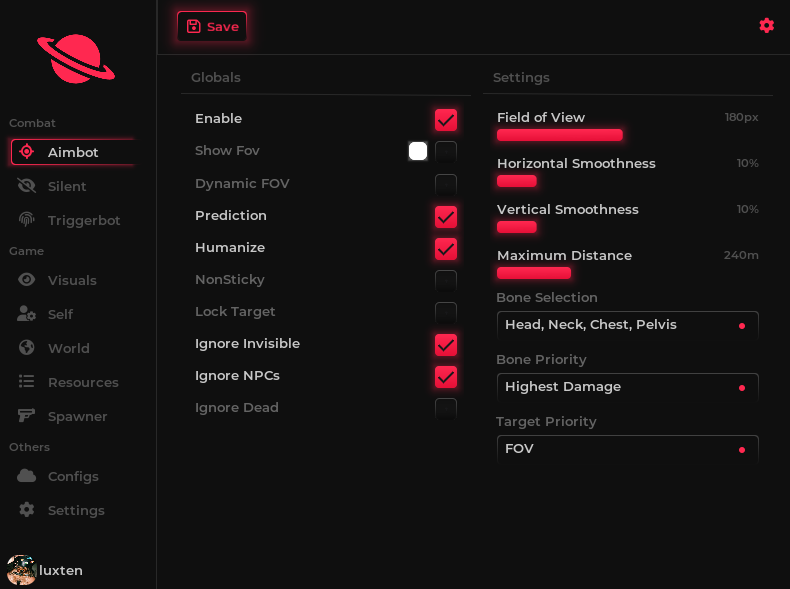
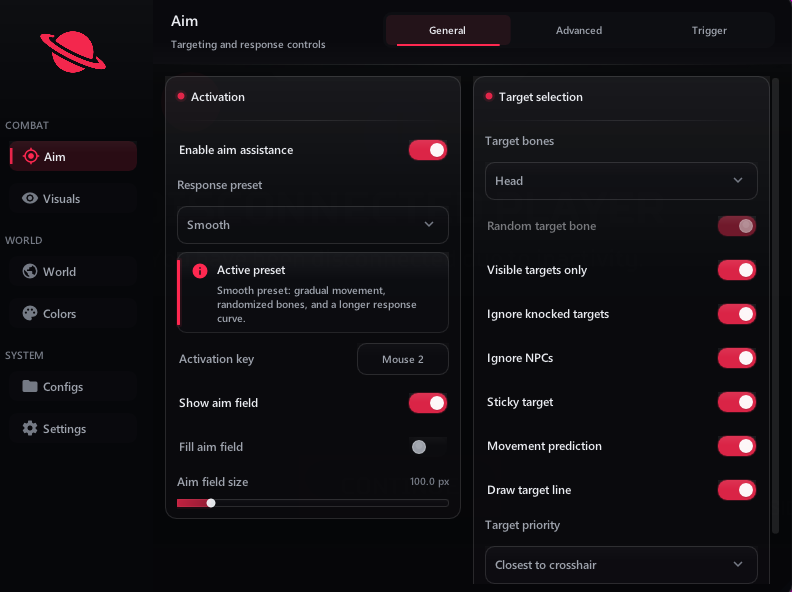
FiveM classicFiveM
Our established FiveM external, managed through the Supreme loader and backed by ongoing compatibility work.
Availability and compatibility can differ by product. Always review the current product information before purchasing.
No scattered dashboards and no guessing which page is current. Products for FiveM and every game added next share the same account, wallet, delivery flow and support system.
When an administrator publishes or edits a product in Upgrades, the public catalog reflects the same information automatically.
Compare the real price, duration, features and supported game first—then continue securely inside the panel.
The public site helps you compare. Your Supreme account handles checkout, delivery and support.
Filter the live catalog by game and open the dedicated product page for current details.
Pick the duration that fits you. The amount shown comes directly from the Shop configuration.
Access purchase status, subscriptions, product updates and tickets in one place.
Our decentralized routing nodes automatically detect region parameters, ensuring minimal latency and secure configuration syncing regardless of your global position.
Languages
Countries
Feedback from Supreme members about the interface, activation, stability and support experience.
“The interface feels clean and everything important is easy to find. Setup was straightforward and performance has been reliable.”
“Activation was instant and support answered quickly when I needed help. The whole account experience feels properly organized.”
“The creator and stream-focused options are what made the difference for me. Stable, practical and easy to manage from Panel.”
Create your own store coupon, share it with your audience, and turn every paid purchase made with your code into tracked media earnings.
Choose a memorable code in the Media panel. Every paid order using it is attached automatically to your creator account.
Submit only direct public links to videos that clearly show Supreme. Approved videos can unlock bonus subscription days.
Your coupon gives buyers 10% off, making it easier to convert views into real paid sales.
28 media partners growing with Supreme
Our dedicated in-house customer support team is available 24/7. We provide assistance in multiple languages — fast, reliable, and on hand whenever you need it for setup, resets, or technical troubleshooting.

Romanian
English
Polish
Spanish
GermanDetails that differ by game are always shown on the corresponding product page.
The product catalog above is the current source of truth. It updates from the Supreme Shop, so a game appears only when a purchasable product has been published for it.
Yes. Supreme's FiveM external remains an important product and continues to have dedicated plans, updates and support. The platform is expanding so other games can be offered alongside it.
Open a product card to see its current features, available durations, price and compatibility notes. Do not assume that a feature from one game is included in another.
Select a plan and sign in to the panel to complete checkout. Once payment is confirmed, eligible access is assigned to your Supreme account and can be managed from the Subscriptions area.
Yes. Each product or plan is tracked separately, while the same account gives you a unified view of your active subscriptions and history.
Yes. No third-party software can honestly guarantee zero detection or zero account risk. Read the current product status, follow its instructions and understand that use is at your own risk.
Product changes, maintenance and important notices are published through announcements, changelogs and known issues in the Supreme panel.
Eligibility depends on the circumstances and the Terms of Service. Contact support with the transaction information; requests are reviewed individually and approval is not automatic.
Open a support ticket and include the game, product, issue, relevant error text and what you already tried. Clear information helps the team respond faster.